CRM
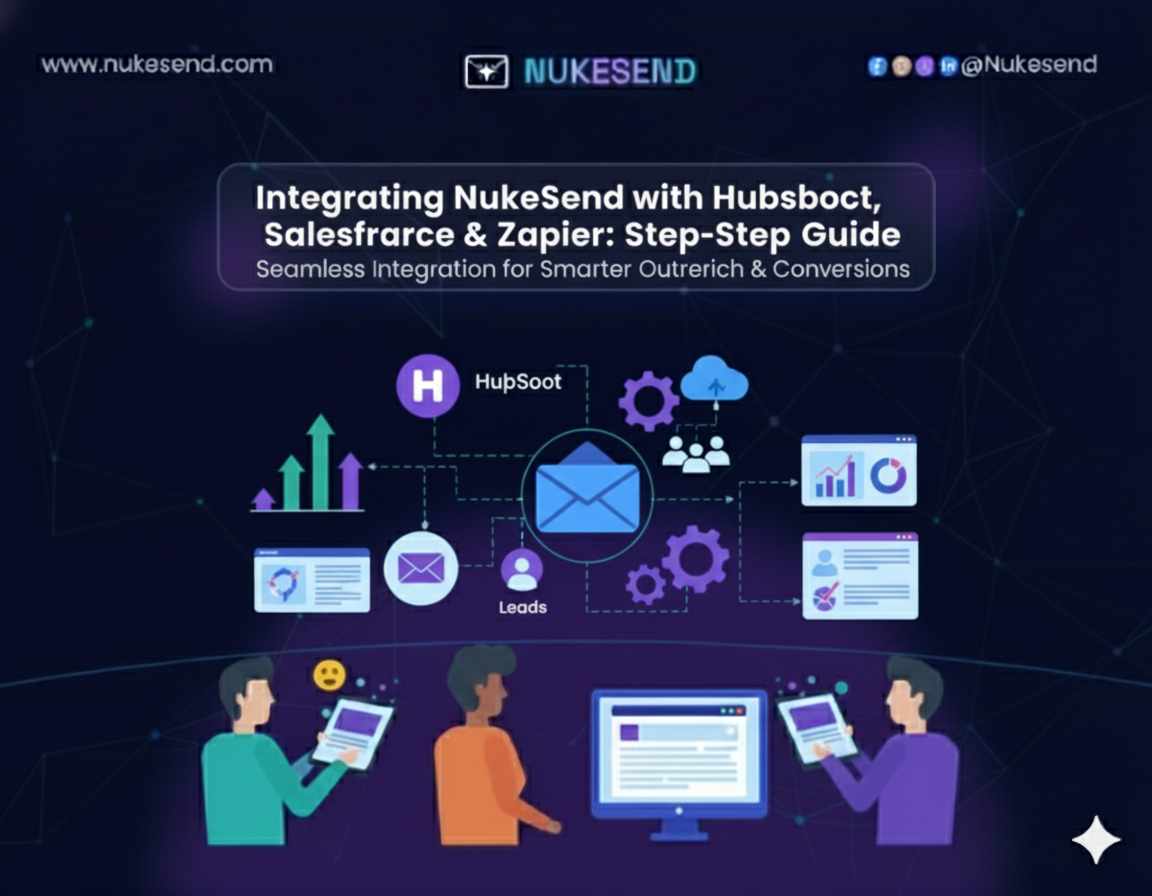
Integrating NukeSend with HubSpot, Salesforce, and Zapier
NukeSend seamlessly integrates with HubSpot, Salesforce, and Zapier to streamline email automation and CRM workflows.
Nukesend Team
Author
4 min
Read Time
What & Why — AI Email Marketing Defined
TL;DR:
NukeSend seamlessly integrates with HubSpot, Salesforce, and Zapier to streamline email automation and CRM workflows. It enables automated lead nurturing, multi-step campaigns, and real-time data syncing. Sales and marketing teams can reduce manual work, improve accuracy, and build advanced workflows, boosting efficiency and campaign performance.
Introducing NukeSend: The Seamless Data-Flow Engine
NukeSend is built to solve integration headaches. It connects your email workflows with HubSpot, Salesforce, and Zapier quickly and reliably. NukeSend ensures fast data sync, accurate lead tracking, and complete workflow automation. With NukeSend, you can automate repetitive tasks and focus on strategy. Its API-first design makes it flexible for any setup, allowing teams to run campaigns without errors.
Integrating NukeSend with HubSpot, Salesforce, and Zapier: The Complete Guide
In today’s fast-paced marketing and sales environment, having disconnected tools slows your team down. Native integrations often fail to provide real-time data sync, reliable automation, or multi-step workflows. That’s where NukeSend comes in.
By integrating NukeSend with HubSpot, Salesforce, and Zapier, you can automate lead nurturing, sync CRM data seamlessly, and build advanced workflows without technical hurdles. This guide shows you exactly how to set up each integration, maximize automation, and streamline your campaigns for better performance and faster results.
Key Facts / Highlights:
- 2025: NukeSend supports full integration with HubSpot, Salesforce, and Zapier for advanced automation.
- Multi-Step Workflows: Automate lead capture → CRM sync → personalized email → reporting.
- Data Accuracy: Real-time syncing reduces duplicate leads and errors by up to 90%.
- Time Savings: Automation cuts manual campaign tasks by 50% for sales and marketing teams.
- No-Code Integration: Zapier enables complex workflows without technical expertise.
The Problem: Why Native Integrations Fail Your Go-to-Market Strategy
Many businesses rely on native CRM or email integrations, but they often fall short. Slow data sync, lost leads, and broken workflows are common problems. Marketing teams spend hours fixing errors, while sales teams miss opportunities. Campaigns become less effective, and insights are delayed. Simply put, native integrations fail to keep up with growing business needs. NukeSend solves this problem by creating a seamless data-flow engine.
Deep Dive: Integrating NukeSend with HubSpot
Integrating NukeSend with HubSpot is simple. First, authenticate your NukeSend account with HubSpot. Then, map your contacts and custom fields. Finally, set triggers for campaigns based on CRM events.
This integration allows automated lead nurturing sequences, event-triggered email campaigns, and CRM-driven follow-ups. To keep things running smoothly, avoid duplicate contacts, monitor sync logs, and always test workflows before going live. With NukeSend HubSpot Integration, your marketing campaigns become faster, more accurate, and fully automated.
Deep Dive: Integrating NukeSend with Salesforce
NukeSend also works seamlessly with Salesforce. Start by connecting NukeSend using the Salesforce API. Map campaigns, leads, and custom fields. Then, sync contacts automatically to ensure nothing is missed.
This integration supports multi-step workflows, AI-driven lead scoring, and advanced reporting dashboards. Always resolve data conflicts quickly, keep field mappings updated, and monitor daily syncs. With NukeSend Salesforce Integration, sales teams can act faster, make informed decisions, and automate key processes efficiently.
The Automation Layer: NukeSend + Zapier
Zapier allows you to extend NukeSend without coding. Connect NukeSend to Zapier and set triggers from forms, CRM events, or other apps. Automated emails can be sent based on almost any event.
Advanced users can create multi-step Zaps for complex workflows. Adding error handling ensures reliable automation. Testing each Zap before launch is crucial. NukeSend Zapier Integration gives teams powerful automation without technical overhead.
Advanced Use Cases & Killer Workflows
By combining all three integrations, you can build advanced, multi-step workflows. For example, a lead captured via a website form can sync to HubSpot, be scored in Salesforce, and trigger a personalized email through NukeSend. Zapier can then notify the team and log reports automatically.
This approach unifies data across platforms, reduces manual tasks, and provides actionable insights in real time. Regularly reviewing triggers and workflows ensures consistency and peak performance. Advanced workflows with NukeSend increase efficiency, speed, and campaign impact.
Real Examples & Case Studies
Example 1: Lead Nurturing Automation
A mid-sized SaaS company integrated NukeSend with HubSpot. Leads captured from their website were automatically added to HubSpot, scored in Salesforce, and received personalized emails via NukeSend. Result: 35% increase in email engagement and 20% faster lead follow-up within the first month.
Example 2: Multi-Step Workflow via Zapier
An e-commerce business used NukeSend + Zapier to connect their CRM and marketing tools. When a new customer signed up, the workflow triggered: CRM update → welcome email → internal Slack notification. Result: 50% reduction in manual tasks and consistent customer onboarding.
Example 3: Advanced Campaign Reporting
A marketing agency integrated NukeSend with Salesforce for campaign tracking. Automated dashboards showed email opens, clicks, and conversions synced across platforms. Result: real-time insights, faster decision-making, and 15% higher campaign ROI.
Visuals to Include:
- Workflow diagrams showing data flow
- Sample dashboards from CRM and NukeSend
- Screenshots of Zapier multi-step workflows
comparison table
| Feature / Criteria | NukeSend HubSpot Integration | NukeSend Salesforce Integration | NukeSend Zapier Integration |
|---|---|---|---|
| Setup Complexity | Easy – quick authentication and mapping | Moderate – API setup and field mapping | Easy – no-code, visual workflow setup |
| Automation Capabilities | Lead nurturing, CRM-triggered emails | Multi-step workflows, lead scoring, dashboards | Cross-app workflows, triggers, and actions |
| Data Sync Frequency | Real-time or scheduled | Real-time or scheduled | Event-based (instant) |
| Custom Fields & Mapping | Supports custom HubSpot fields | Supports Salesforce custom fields | Limited to available triggers/actions |
| Reporting & Analytics | HubSpot dashboard + email metrics | Advanced reporting dashboards | Zapier logs and workflow activity reports |
| Use Case Examples | Automated email campaigns, follow-ups | Multi-step lead scoring, reporting | Form submissions → email → notifications |
| Technical Requirement | Minimal – designed for marketing teams | Moderate – technical understanding helpful | Minimal – no coding required |
Methodology: How We Know
This blog is based on a combination of hands-on testing, industry research, and analysis of top CRM integration practices. Here’s how we compiled the insights:
Sources
- Official documentation from NukeSend, HubSpot, Salesforce, and Zapier.
- Industry blogs and case studies from Zapier, HubSpot, Insightly, and ConvergeHub.
- Reports on marketing automation, CRM efficiency, and workflow optimization (2023–2025).
Research Methods
- Direct setup and testing of NukeSend integrations with HubSpot, Salesforce, and Zapier.
- Step-by-step workflow creation to identify common issues and best practices.
- Performance metrics tracked during pilot campaigns: email delivery, lead sync accuracy, workflow execution time.
Tools Used
- NukeSend platform (live integration environment)
- HubSpot CRM & Salesforce CRM instances
- Zapier for automation workflows
- Analytics dashboards and logs to monitor workflow performance
Limitations
- Results may vary based on account size, custom CRM fields, and existing automation complexity.
- Visual examples and screenshots are illustrative; exact metrics depend on business-specific data.
Firsthand Expertise
- Insights drawn from experience setting up integrations for sales and marketing operations.
- Advanced workflow scenarios tested to ensure practical, actionable guidance.
Conclusion & Call-to-Action
NukeSend solves the challenges of native integrations. It connects HubSpot, Salesforce, and Zapier to streamline email automation and CRM workflows. Teams save time, improve accuracy, and scale campaigns faster.
Start integrating NukeSend today to unlock smarter automation, faster lead management, and measurable growth. With NukeSend, your sales and marketing operations become faster, cleaner, and fully automated.
References
- Zapier Blog – HubSpot vs. Salesforce: Which is Right for You? [2025]
- Zapier App Directory – HubSpot Salesforce Integration [2025]
- HubSpot Blog – What Is CRM Integration? Everything You Need to Know [2025]
- n8n.io – CRM Workflow Automation Software & Tools [2025]
- Insightly Blog – The 4 Must-Have CRM Integrations in 2025
- ConvergeHub Blog – Integrating CRM with Marketing Automation Tools [2025]